An AI quiz maker and study tool for teachers, built on your lessons
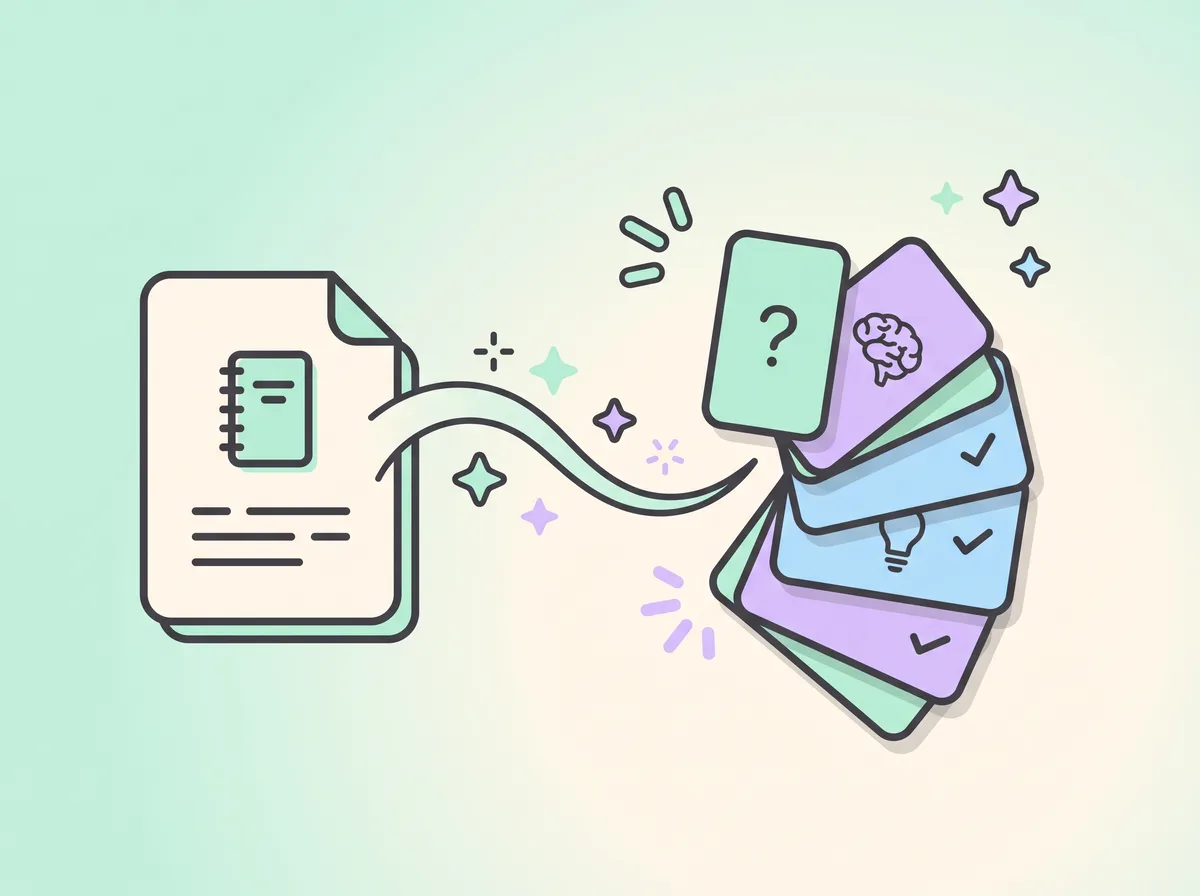
You drop in the chapter you already teach. Mindlet turns it into cards and quizzes, you check them, and your students review right before they would forget. In your school's space, you see the class notion by notion.
1793-1794 · The RepublicThe Reign of TerrorÀ surveillerNe tient pas dans le temps41 réponses · 22 apprenants
1789 · The rightsThe Declaration of the Rights of ManÇa tient56 réponses · 24 apprenants
Notions jamais travaillées par le groupe
The DirectoryJamais travaillée
Tracking by notionChecked before sharing
Prepare
How do you build a class quiz from a lesson you already have?
In three steps, without retyping a line. The lesson stays yours: the AI breaks it down, you decide what reaches your students.
1
Drop in your chapter
The textbook PDF, your slides, a video, a web page. Mindlet also reads scanned documents.
2
Check what the AI suggests
Every card can be edited or deleted. An AI can get things wrong: an adult checks whatever is shared with the group. We ask this of every school.
3
Set homework
A collection, a class, a due date and a goal. The assignment starts as a draft and only reaches students when you publish it.
Quizzes that go beyond multiple choice
For each notion, Mindlet picks formats that fit: multiple choice or true/false for a date, fill in the blank for a definition, putting steps in order for a line of reasoning, matching or sorting for vocabulary, a map quiz for geography. About a dozen formats in all.
Open questions are graded by a language model, with written feedback. They help students practise explaining, they are not there to grade them. More on the MCQ generator.
You can require specific formats for a collection
Drag and drop always has a keyboard alternative
Generated cards follow the language of the lesson, in nine languages including English
Nouveau devoir
Il naît en brouillon : rien ne part avant que tu le publies.
CollectionThe French Revolution▾
Destinataires4e B▾
À rendre pour le14/11/2026
Plus de réglages ▴
ObjectifRéviser des cartes▾
Cartes à réviser40
L'élève a fini quand il a révisé le nombre de cartes demandé.
AnnulerCréer
QCM · History
In what year did the storming of the Bastille take place?
A1774 B1789 C1792 D1804
Formative assessment
See where the class stands, notion by notion
The space's Suivi (tracking) tab answers the Monday-morning question: what is my class stuck on? It ranks the notions of a collection from weakest to strongest, for one class or for the whole school.
No number stands alone. Each notion shows its reason and what it rests on, for example "38 answers · 19 learners". A notion nobody has opened yet is not flagged as a difficulty: it is simply work still to do.
Beaucoup d'erreurs (many mistakes)
The group gets this wrong more often than anything else in the course.
Go over the notion in class before setting it again.
Ne tient pas dans le temps (doesn't last)
Answers come, then fade: the memory isn't settling.
Space the reminders on these cards further apart.
Notion exigeante (demanding)
Cards on this notion need more reviews than average.
Generate more gradual cards on it.
Jamais travaillée (never studied)
Nobody has opened these cards yet.
Put it into an assignment.
The four reasons the app shows (in French), with the actions it suggests, summarised here.
In class
A live quiz on the projector
From the school space, open a live room on a collection: you choose the question format, how many questions and the time to answer. The code and a QR code appear on the board, each student answers on their phone, and the leaderboard shows between questions.
Pause or move to the next question whenever you like
Fast answers score more points, handy for waking up the end of a lesson
Hosting a room is reserved for team spaces; students join with the code, from their own account
Dicte le code, ou fais scanner le QR. La partie commence quand tu la lances.
InèsNoahJadeTomLinaHugoSacha
9:41●●●
3 / 1012
Which organelle produces most of the cell's energy?
NucleusMitochondrionRibosomeVacuole
The school space
Classes, members, roles: a space that fits your school
In Mindlet, a school is a "space". Its hub has up to seven tabs: Overview, Collections, Tracking, Members, Classes, Support and Settings (Aperçu, Collections, Suivi, Membres, Classes, Soutien, Réglages in the app).
You create a class with its name, level, subject and school year, then enrol members. Invitations go out by email: each person gets a personal link to join the space.
Teachers, admins and the space owner use a creator seat. Students and observers (for example school leadership looking at the dashboards) never do: they are free, with no limit on numbers.
Inviter par email
Chaque personne reçoit un lien personnel pour rejoindre l'organisation.
Adresses email
l.martin@…s.benali@…t.rossi@…
Rôle attribuéApprenant▾
Un rôle formateur ou admin occupe un siège créateur : 3/5 utilisés. Les apprenants et observateurs sont illimités.
Envoyer (3)
Roles in a Mindlet institution space
Role (as shown in the app)
What it can do
Creator seat
Propriétaire
Owner. Full control, including deleting the space.
Yes
Administrateur
Manages members, teams and configuration.
Yes
Formateur
Teacher or trainer. Invites and follows learners, manages their teaching teams.
Yes
Apprenant
Learner. Accesses shared content and their own statistics.
No, free
Observateur
Looks at the space's dashboards without changing anything or studying.
No, free
You can only assign a role below your own. A learner only sees the Overview tab of the space.
Data, minors, AI
What we do, and what we don't
A school trusts us with students who are minors. Here are the product's rules, stated plainly.
Nothing behind the student's back
Whatever the teacher sees, the student can see too. And no indicator is a bare number: each one says what it rests on.
Checked by an adult
The AI prepares, it doesn't judge. Anything shared with a group has been checked by a responsible adult.
No formal grades
Automatic corrections are for practice. Mindlet produces no grade that counts towards a qualification: assessing what students have learned stays your job.
Minors
The app is open from age 13; below that, the account is created and managed by a parent. Features between members are closed under 13 and need a parent's consent from 13 to 15.
Mistral AI, no training
Cards and the assistant run on models from Mistral AI, a French company. We do not use your content to train AI models.
No ads
No advertising in the product, no data resale. Our main providers process data within the European Union; all of them are listed in our legal notice.
The licence is called Cosmos. Only the people who create pay for a seat; reviewing stays free for everyone. You can also start with a pilot, without a licence.
Cosmos, the licence for an institution or a training body (prices including VAT, per month)
What it includes
Price
Base
The full institution space, with 2 creator seats included
€99.99 / month
Extra creator seats
Teachers, trainers, admins: anyone who imports, generates and publishes. The seat price depends on the total headcount.
€27 each (3 to 9 seats in total), €25 (10 to 19), €24 (20 to 49), quote from 50
Learners and observers
Students, trainees, people who follow without editing
Unlimited, free
Generation capacity
Shared across the institution, refilled every month
12,000 éclats (the unit for AI work), plus 3,000 per added seat
Cosmos is subscribed on the web only. Reviewing stays free and unlimited for everyone. During a pilot, there is no licence to pay.
Getting started
A free pilot with one class
We equip a group, train the team on site, visit every month and hand you a report, even if it isn't flattering. No commercial strings, no exclusivity. Allow about four hours per term for the teachers.
A tool that starts from your own lessons, lets you check before sharing, and says clearly where the data goes. Mindlet turns your documents into cards and quizzes with models from Mistral AI, a French company, and does not use your content to train models. In a school space, students see what the teacher sees about them.
How do I make a quiz for my students with AI?
Drop your lesson (PDF, slides, video, web page) into a collection: Mindlet turns it into cards in several formats, including multiple choice. Check and fix what needs fixing, then use the collection as homework or in a live room on the projector. Details on the MCQ generator page.
Does each student need an account?
Yes. Each student joins the school space through a personal link sent by email, and reviews from their own account, on the web, iPhone or Android. With the Cosmos licence, student accounts are free and unlimited. Joining a live room also requires an account. The app interface is in French; content can be generated in nine languages, including English.
Does the AI grade my students' work?
Not in the sense of a grade. Multiple choice and other closed formats are corrected automatically, and open questions get written feedback from a language model. It's for practice. Mindlet produces no grade that counts towards a qualification: assessment stays with the teacher.
Can students under 13 use Mindlet?
The app is open from age 13. Below that, the account is created and managed by a parent. Features between members (friends, challenges, messages) are closed under 13 and need a parent's consent from 13 to 15. For classes with younger students, let's talk before starting a pilot.
How does a school buy a licence?
The Cosmos licence is subscribed on the web: a base of €99.99 a month including VAT with two creator seats, then seats at a decreasing price (€27, €25 or €24 depending on the total headcount, quote from 50). Students and observers are free. Most schools start with a free pilot.
Does Mindlet connect to our learning platform or Moodle?
From 10 seats, the Cosmos offer includes single sign-on with the school's accounts (SSO), automatic account creation (SCIM) and integration with a learning platform or Moodle (LTI). Whether they work in your setup depends on your environment: let's check together with your IT lead before you make it a requirement.