
AI flashcards
AI flashcard generator: your notes become cards you actually remember
Drop a lecture, a PDF or a video. Mindlet finds the key notions, writes the cards, mixes up the formats, then shows each card on the day you were about to forget it.
- Free to start
- Every card is editable
- Web, iOS and Android
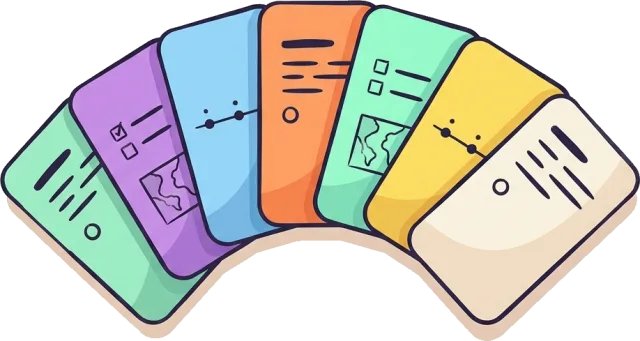
 One notion, one card Spaced repetition
 The method
How does AI turn notes into flashcards?
Only the first step asks anything of you.
-
You drop your course
In your library, tap “Ajouter” (Add), then drop a file or paste a link. Tap “Créer ma collection” (create my collection).
-
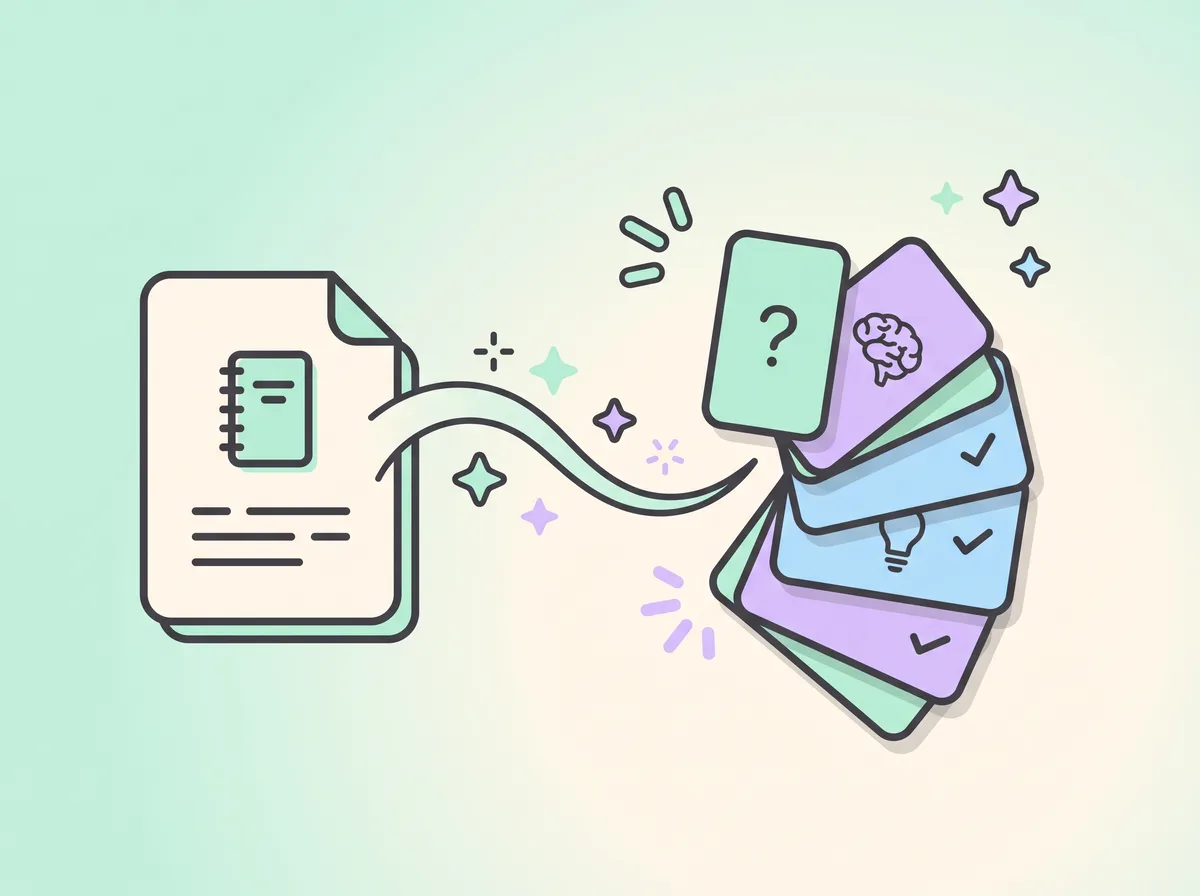
Mindlet maps the notions
The AI reads the document, spots the key notions and groups them into topics and sub-topics. That's the backbone of your collection.
-

The cards arrive
One anchor card per notion, flashcard or multiple choice, then the formats that fit: an ordering card for a process, a map card for a place.
Cards follow the language of your material: English notes give English cards. You can also set a collection's content language to one of nine, including Spanish, German and Arabic. The Mindlet app itself is in French; the button names quoted on this page are the French labels you'll see. You can force specific formats in the collection settings, under “Formats de cartes”.
Quality
What makes a good flashcard?
A good flashcard asks a precise question with a single answer. It tests one notion, reads in a few seconds, and makes you pull the answer from memory instead of recognising it.
Testing yourself beats rereading the same text: it's the testing effect, measured by Roediger and Karpicke (Psychological Science, 2006, 17(3), 249-255). A vague card lets you reread in your head; a precise one makes you work.
- One notion per card, not a whole chapter
- A question with only one right answer
- A short answer you could say out loud
Formats
Basic, cloze, image: which card types?
The front-and-back flashcard is still the foundation. Mindlet adds a dozen other formats, chosen per notion: multiple choice, true or false, fill in the blank (cloze), put in order, match, sort, estimate, open question, map quiz. The same notion can come back in two different shapes, so you remember the answer rather than where it sits on the screen.
Only flashcards are self-rated, with three buttons: “Oubli”, “Flou”, “Acquis” (forgot, fuzzy, known). Other formats are checked automatically, and open questions are judged by an AI model that writes you feedback. A card can also carry an image, from free image libraries or generated by AI.
Stay in control
Reviewing and fixing generated cards
Cards come from your document. An AI can still get things wrong: a date misread on a scan, a nuance lost. Every card can be edited or deleted, and you can write your own, one at a time, next to the AI's.
Our advice: skim the cards of a new chapter during your first session. Fix anything that looks wrong or vague straight away; rewording a card is already a review.
- Edit or delete any card
- Add your own cards to the collection
- For classroom use, an adult reviews what is shared with the group

Spaced repetition
When should you review each card?
A card you get right comes back later and later; a card you miss comes back soon. That's spaced repetition, whose effect is established by a meta-analysis from Cepeda and colleagues (Psychological Bulletin, 2006, 132(3), 354-380).
Mindlet schedules each review with the FSRS-6 algorithm, aiming by default for a 90% chance that you still remember, and re-tunes its settings every week from your own answers. Each day, the app tells you how many cards are due. Reviewing never costs anything, whatever your plan.
Understand spaced repetitionCompare
AI flashcards vs handmade flashcards
Both have their merits. Writing your own cards makes you think about the material; it's real work, and it takes time. AI gives that time back on a large course load. The best approach is often a mix: generate, then reword the cards that don't speak to you.
| Generated by AI | Written by hand | |
|---|---|---|
| Preparation | The AI reads while you do something else | One card at a time |
| Coverage | Every notion found in the document | The ones you picked |
| Formats | A dozen, depending on the notion | Whatever you know how to build |
| Accuracy | Drawn from the document; mistakes remain possible and fixable | Depends on your reading of the course |
| What you gain | Time to actually review | The thinking that goes into writing them |
Coming from another app? Your Anki decks import as they are, and we've compared Mindlet with Quizlet.
FAQ
Frequently asked questions
How do I make flashcards with AI for free?
Create a free Mindlet account, with no credit card and no time limit. Tap “Ajouter” (Add), drop your notes or paste a link, then create the collection: flashcards are generated from the document. The free plan has caps on collections and cards, listed on the pricing page. Reviewing never costs anything.
Which AI is best for making flashcards?
A general chatbot can write cards if you paste in some text, but it won't schedule them or make you review them. Mindlet uses models from Mistral AI, a French company, to read your material and write the cards, then spaced repetition to bring them back. Our comparison with ChatGPT goes into the difference.
Are AI-generated flashcards accurate?
They are drawn from your document, not made up, which limits mistakes without ruling them out. An AI can misread a scan or flatten a nuance. Every card can be edited or deleted; skim the cards of a new chapter and fix whatever looks wrong.
How many flashcards should I review per day?
There's no quota to set: each day Mindlet shows you the cards that are due, the ones you're about to forget, plus a few new ones. You pick the length of your sessions (short, medium or long) in the settings. A little every day beats a long session the night before.
Can I export AI flashcards to Anki?
Not today. Mindlet imports Anki decks (.apkg, .colpkg) with their media and your progress, but doesn't offer an export to Anki's format. Import details are on the dedicated page.
Is the app available in English?
The Mindlet interface is in French for now. Your cards can be in English: content follows the language of your material, and a collection can be set to one of nine languages, including English, Spanish and German.
Keep reading
Your next course, already in cards.
Drop a PDF, a link or a lecture recording. Mindlet does the preparation, you do the learning.
Free to start, no credit card · Web, iPhone, iPad and Android
